Is your Whirlpool front-load washer flashing a 5D, SD, or F9E1 error code and refusing to spin? You’re in the right place. If you’re wondering how to fix the 5d sd f9e1 error on a Whirlpool front load washer wfw75hefw0, this guide is here to help. This error means your machine detected a long drain time — and in the vast majority of cases, the culprit is a clogged drain pump filter. The good news: you can fix this yourself in under 15 minutes with basic tools.
In our latest YouTube tutorial, we walk through the complete repair step by step on a Whirlpool WFW75HEFW0, including how to enter diagnostics mode to confirm and clear the error code.
What Does the 5D / SD / F9E1 Error Mean?
The 5D or SD error (they look the same on the display) stands for “suds detected” or a drain fault, depending on context — but on Whirlpool front-loaders it almost always triggers alongside the F9E1 long drain error. This code fires when the washer can’t drain within a set time window. The machine stops mid-cycle, leaves water in the drum, and won’t go into spin.
The #1 cause: a blocked drain pump filter. Lint, small clothing items (especially bra underwire pads), coins, and debris build up over time and restrict water flow through the pump.
Tools You’ll Need
- Channel-lock pliers — to break the filter loose
- Wet/dry vacuum — essential for removing standing water before pulling the filter
- Screwdriver set — to remove the back panel screws
Step-by-Step: How to Fix the 5D / F9E1 Error
1. Unplug the Washer
Always disconnect power before working on any appliance. Do not skip this step.
2. Access the Back Panel
Pull the washer away from the wall. Remove the screws running down both sides of the back panel — the ones recessed inside the panel don’t need to come out, only the ones on the panel face itself. Leave the top screw in last so you can slide the panel off easily, making reinstallation simpler.
3. Locate the Drain Pump Filter
Once you have access to the bottom of the back, reach in from below. The filter is on the right-hand side of the drain pump. It’s a cylindrical cap you can see and feel.
4. Drain the Water First
Before pulling the filter, use your wet/dry vac to suck out as much water as possible. If the drum is full of water, you’ll have a significant amount come out when you remove the filter — taking it slow will save you a mess.
5. Remove and Clean the Filter
Use channel-lock pliers to break the filter loose — don’t squeeze too hard or you risk cracking the plastic, just enough to get it turning. Once it starts moving, unscrew by hand the rest of the way. Clean out whatever you find — bra pads are the single most common culprit, along with coins and miscellaneous debris.
6. Reinstall the Filter
The filter only seats one way. Line it up correctly and screw it all the way in until it stops — the small locking tab will click into place.
7. Enter Diagnostics Mode & Clear the Error Code
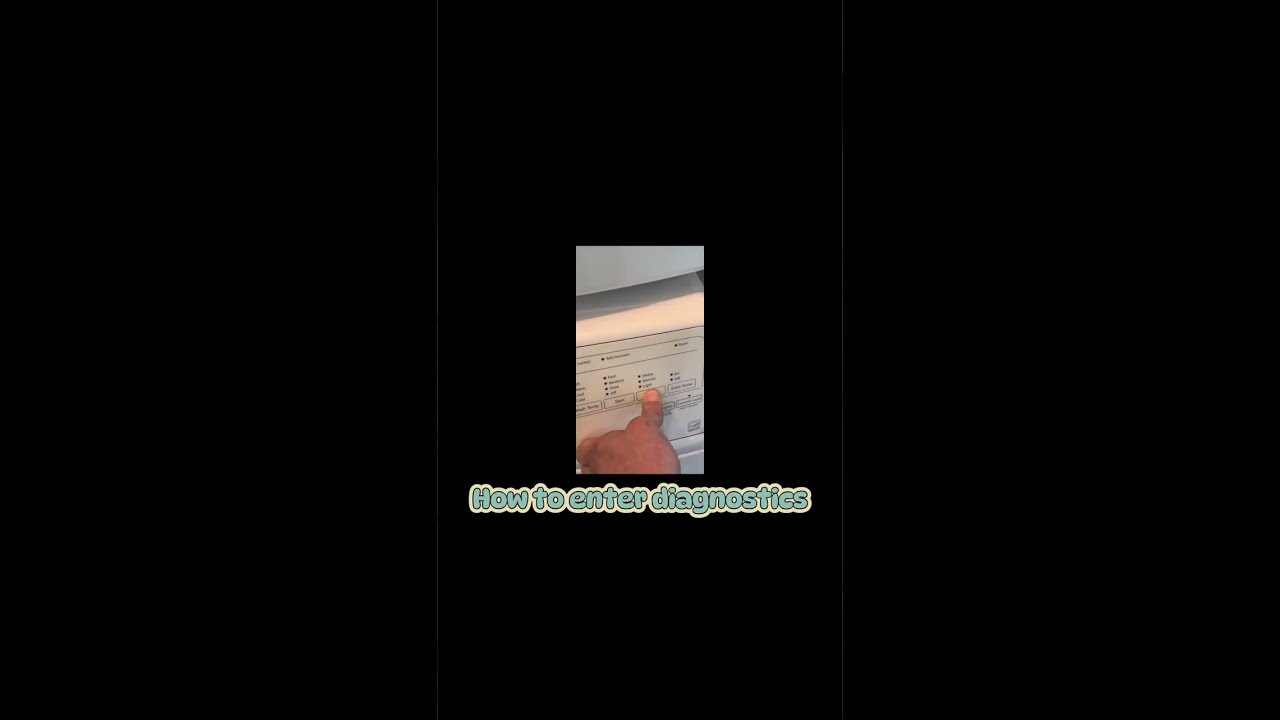
On the WFW75HEFW0, enter diagnostics by pressing three buttons in sequence — three times each. Once in diagnostics mode:
- The third button advances through stored error codes
- Scroll to confirm you see F9E1 stored (the long drain error)
- Press and hold the third button to clear all codes
You can also use diagnostics mode before the repair to confirm the error, and after to verify the machine is running clean.
Applies To
This repair applies to the Whirlpool WFW75HEFW0 and other Whirlpool front-load washer models that display the 5D, SD, or F9E1 error code.
Did This Save You a Repair Bill?
If this tutorial saved you from an expensive service call, consider leaving a small tip — it helps keep these free repair guides coming. Every bit is appreciated!
Need Help? We Come to You.
If you’re not comfortable doing the repair yourself or run into a different issue, Steel City Appliance Repair serves Vestavia, Mountain Brook, and Homewood, Alabama. We’re locally owned, licensed, and insured with 10+ years of experience. Contact us today to schedule a repair.